Backed by
BETA - Now Live

Website builder for teams, clubs, leagues and nonprofits

The Website That Runs Your Whole Community

Turn visitors into members: newcomers find your schedule, sign up and pay in one place, so you can stop chasing sign-ups through spreadsheets and group chats. Events, registration, payments, forms and member messaging are already part of the same account.

What counts as a “community”?
Go live in 5 minutes
Free to start
  • 6 live sites built with it that you can visit from this page
  • 5 ready-made templates to start from, plus a blank canvas
pickleball-rally.gametimehero.com
Illustration of a sample pickleball club website, Rally+, being edited in the Gametime Hero site builder: a block is selected and the formatting toolbar is open

Tired of These Website Headaches?

  • Spending hours wrestling with website builders

    Drag-and-drop editor—no learning curve

  • Juggling separate tools for your site, events, payments, and email

    All built in—one platform, one login, one bill

  • Sites that look amateur on mobile

    Automatically responsive on every device

  • Juggling hosting and SSL certificates

    Both included—we handle the tech

  • Newcomers who cannot tell if drop-ins are welcome

    Your open sessions and how to join, on the front page

  • A site that gives a stranger no sense of belonging

    Your people, your events and your story on one site

Not Just a Website Builder. Your Community's Operating System.

Everything you'd normally stitch together across five products—already connected

  • Visual Editor

    • Drag elements anywhere
    • Clean, responsive layouts by default
    • See changes in real-time
  • Events & Registration

    • Event pages tied to your site
    • RSVPs & registration built in
    • Automatic reminders & updates
  • Payments & Forms

    • Collect payments on your site
    • Custom forms & waivers
    • League & tournament signups
  • Members & Messaging

    • Email attendees & members
    • Community hub with member roles
    • Event notifications, automatically

Hosting, SSL and mobile-ready templates are included on every plan. Custom domains come with Organizer Pro.

Built for Groups That Play, Compete, and Give Back

If you organize people, this was built for you

Pickleball Leagues

Schedules, standings, and open-play signups on your own site.

Adult Rec Sports

Rosters, RSVPs, and league payments without the spreadsheet mess.

Youth Teams

Keep parents in the loop with schedules, forms, and reminders.

AAU Clubs

Tryouts, tournaments, and team pages under one roof.

Nonprofits

Events, volunteer signups, and donations on a site you control.

Bands & Creators

Shows, set lists, and fan updates tied to one home base.

Designers and organizers on Gametime Hero

  • “I've built 50 Squarespace websites for small businesses. Gametime Hero's site builder is 100x easier to use.”
    Tessa R.Web designer
  • “When my events stopped working on Wix, Gametime Hero had me up and running in less than 48 hours.”
    Juliana MasciFounder, Tool School Co.

    ChicagoSwitched from WixSwitched in less than 48 hours

    Read the case study
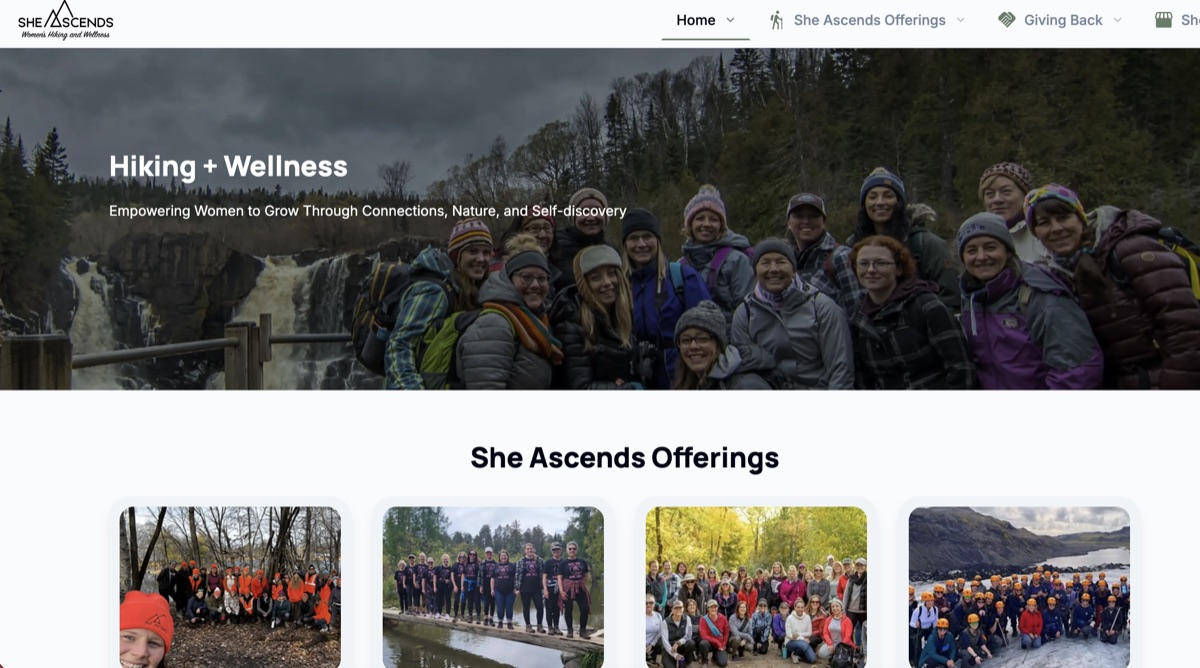
  • “We used to spend more time managing tools than managing our community. Now we spend that time on what actually matters: getting women outside and building something they want to come back to.”
    Donna Kent & Mindi JensonShe Ascends
    Visit sheascends.org
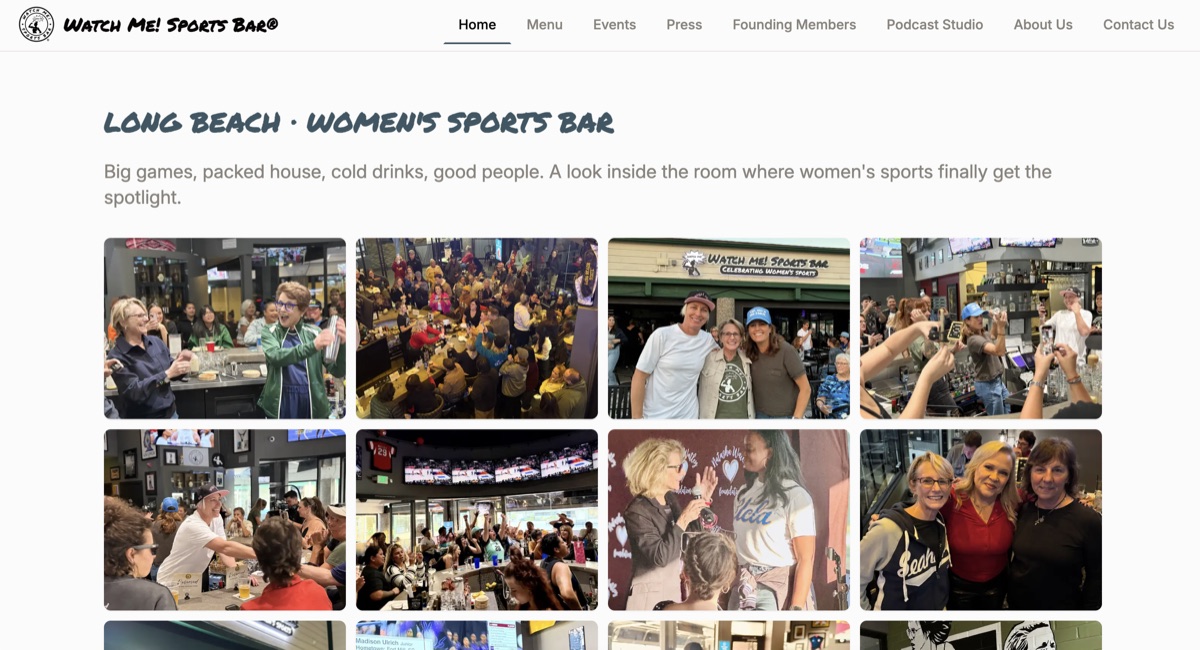
  • “I'm a bar owner, not a software person, and I shouldn't have to be. What's changed with Gametime Hero in such a short time is worth celebrating. They even added our Watch Me! theme song to our site. Now I spend my time on what we're building: a room where women's sports fans feel like they belong.”
    Jax DienerOwner, Watch Me! Sports Bar
    Visit watchmesportsbar.com
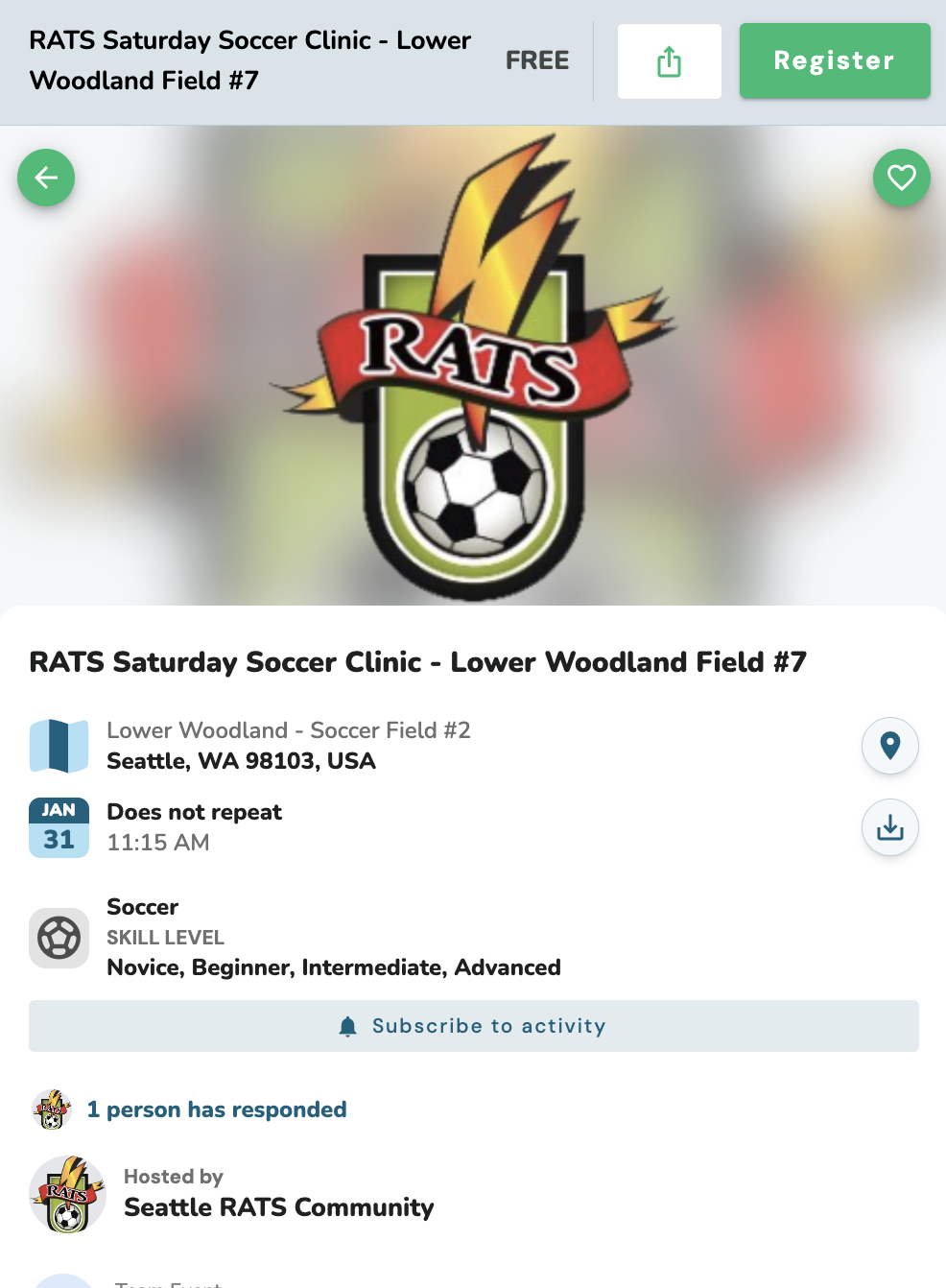
  • “I believe our integration of Gametime Hero will make it significantly easier and less time-consuming for our logistics volunteers, while providing a far better experience for our players. After all… WE JUST WANT TO PLAY!”
    Pat WalkerSecretary, Bigfoot Walk Soccer Club
    Visit bigfootwalksoccer.com

Templates make it easy

Start from one of 5 ready-made designs (Sports Club, Championship, Community Hub, Launch Page, Pickleball League) or a blank canvas, and customize everything to make it yours.

Need a hand? Message a developer

Want help building your site? Reach out to one of our developers.

AR BellFounder & developer
Message
Brittany BellFounder
Message

More coming soon.

See It in Action

The drag-and-drop editor at work on a sample nonprofit site: select anything on the page, restyle it, and move it where you want it.

helping-hands-charity.gametimehero.com
Illustration of a sample nonprofit website, Helping Hands, being edited in the Gametime Hero site builder: volunteers sorting donated clothes behind a headline, a Donate button and the editing toolbar

Live in 3 Steps

From idea to published website in minutes

  1. Pick a Template

    Choose from designs made for teams, events, and orgs.

  2. Make It Yours

    Drag, drop, and customize—no code needed.

  3. Hit Publish

    Your site goes live instantly. Share your link or connect a domain.

Perfect for teams, groups, and organizations of any size

Start with professional templates—customize everything to make it yours

Accessibility

What we do about accessibility, and what we do not

We are not going to tell you that a site you build here is accessible to everyone, or that it satisfies any law. Nobody can honestly tell you that about a site whose content they do not control, and the last vendor who said something close to it paid the Federal Trade Commission $1,000,000.

So here is the other kind of answer: the specific things that exist in the product, the checks that run and can fail, and the list of what we have not done.

Six accessibility gates, and a merge that stops

Six checks run on every pull request, in a job that the required unit-test check depends on. A change that reintroduces one of them cannot reach production. Our day-to-day integration branch does not enforce them, so the same check can go red there without stopping anything — we would rather say that than let one sentence stand for both branches.

Two of them read every published-site template: one for a control with no accessible name, one for an image whose description we hardcoded instead of asking the organizer for. Two more read the form and shared-component trees: a validation error that appears in silence, and a grouped input whose label points at an id the template never declares. That last one is the trap worth naming — a name that reads correctly in review and resolves to nothing at runtime.

None of the four can tell you an image is missing its description altogether. A blank alt is indistinguishable from a deliberate one on a decorative image, so that judgement belongs to a person and we do not pretend a scanner makes it.

The fifth exists only to prove the accessibility lint rules are switched on. Those three rules were configured to fail the build and then quietly did not run for months, because the pattern that selected the files matched nothing. The sixth is the step that actually runs them. A check that cannot fail looks exactly like a check that passes.

Each of the four scanners has its own test that plants a real violation in the real tree and fails if the scanner does not refuse it.

A review before you publish that never stops you

Press Publish in the site builder and an automated review opens first. It reads the settings you filled in and says what it found: an image with no description, a link whose text names nothing, text colour it measured below the contrast threshold, a page with no heading.

It has no badge, no score and no pass/fail field. The data model it is built on has no field for one, on purpose. "Publish now" is always there, and nothing it finds stops a publish.

Above the findings, unconditionally and not behind a "learn more", it lists the fifteen things it does not look at — starting with whether a keyboard can reach everything and what a screen reader actually announces.

What we fixed, and what it took to find it

We read all 57 site-builder blocks and roughly 96 published-site templates by hand, and fixed more than 50 defects. Each fix carries a regression test.

Among them: 24 validation error messages across 17 files that appeared in complete silence; a focus indicator removed from 28 published templates by a single "all: unset", and a follow-up fix that was itself incomplete because "overflow-x: auto" was still clipping the ring off; six wide data tables no keyboard could reach; and nine shared components that blocks hand their whole view to, which nobody had ever audited.

The worst one: every undescribed image on every published site was shipping the literal word "undefined" as its alt text, read out loud. Our own alt-text scanner could not see it, because the attribute was present and not empty.

The audit drives a real browser

The audit that runs against a published site opens it in a real browser and runs the axe WCAG 2.1 and 2.2 AA rule set over every page in that site's own sitemap.

It has to be a real browser. Colour contrast needs computed styles rather than markup, and the carousel writes its roles and labels at runtime, so a fetch-and-parse checker would report a clean page where a real one fails.

We do not sell, bundle, embed or recommend an accessibility overlay widget, and we do not run one on this site.

What we have not done

This sits here, next to the claims above, and not on another page. Every line is something a buyer, a journalist or an opposing expert could establish about us in an afternoon, so you should hear it from us first.

  • No person has sat down with a screen reader and worked through every flow. Registration and payment are first in that queue and it has not happened yet. Automated evidence is not a substitute for it, and we are not going to present it as one.
  • Automated rules catch only part of WCAG. Whether your alt text is meaningful, whether a heading describes its section, whether the reading order makes sense — a person has to judge those, and no gate we run does.
  • You can still publish a site that people cannot use. Your images and the words you describe them with, your colour choices, your custom CSS, your writing and anything you embed from somewhere else are yours, and we do not control them.
  • Our own marketing pages, this one included, have never had an automated run, a manual pass, or a lint gate over them. The gates described above read the published-site, form and shared-component trees. They do NOT read the registration and payment path: pointing one of them at that path found eleven controls with no accessible name, and we have not turned it on there yet. The payment step has no automated accessibility coverage at all.
  • We have not published an Accessibility Conformance Report. One is drafted. It carries rows marked "Does Not Support" and rows marked "Not Evaluated", and it is in review — we would rather publish it late than publish one that reads better than the product.
  • A published site can now declare the language it was written in, but no editor screen lets you set it. Until one does, a Spanish-language league site still declares English to anyone who has not switched language themselves — and a wrong declaration is worse than none, because a screen reader then pronounces Spanish with English rules.
  • There is no way to add captions or a transcript to video or audio you upload. The video block renders no caption track and there is no screen to author one.
  • Nobody has tested any of this at 400% zoom, at 320 CSS pixels wide, at 200% text size, or with text-spacing overrides applied. Not once, on any surface.
  • We have not evaluated the site-builder editor itself. Three of the lint rules are switched off outside the published-site tree, and our own config records the reason: turning them on repo-wide surfaces hundreds of pre-existing violations in editor-only surfaces.

We are not your lawyers and nothing here is legal advice. What the law asks of your organization turns on what kind of organization it is, where it operates and who it serves, and none of that is something a website builder can work out for you. Talk to your own counsel. We will not tell you which deadline applies to you, and you should be wary of any vendor who does.

Read the long version: who is on the hook, and what a builder can honestly say

Free to Start. Upgrade When You're Ready.

No credit card required to begin

  • Free

    • 2 websites
    • 1 page per website
    • Free subdomain
    • Templates and a blank canvas
    • Blog, event, form and payment blocks
    • GTH branding shown
  • Included with Organizer Pro

    Pro

    • Unlimited websites
    • Unlimited pages
    • Custom domains
    • Blog, event, form and payment blocks
    • Remove GTH branding
    • Site analytics
    • Priority support

Built for organizers like you.

  • $1.5M+ Processed through Gametime Hero
  • 11,500+ Members & players
  • 11,000+ Registrations & RSVPs

What a website costs: $0 to start.

The Free plan includes 2 websites of 1 page each, hosted on a free subdomain. Unlimited pages, custom domains, the blog, the event, form and payment blocks, and removing Gametime Hero branding are part of Organizer Pro.

The Free plan costs $0, needs no payment card and never expires. Organizer Pro is $19.99/mo.

Every paid plan comes with a 30-day money-back guarantee. There are no contracts: cancel anytime with one click. Your data is always yours to export.

See Gametime Hero pricing

Frequently asked questions

How do I move my existing group over?

There is no one-click import yet, but moving over is quick: recreate your community, bulk-invite your members by email or share a join link, and post your events. We help groups make the switch all the time.

Get free setup help
Do I need to download an app?

No. Gametime Hero runs in the browser on a phone or a computer, and the people you invite open your link the same way. There is no mobile app to install yet; one is in the works.

Is there a contract?

No contracts. The Free plan never expires, and a paid plan can be cancelled anytime with one click, with no penalties.

Is there a money-back guarantee?

Yes. Every paid plan comes with a 30-day money-back guarantee. If it is not the right fit, we will refund you, no questions asked.

Can I export my data and take it with me?

Yes. Your data is always yours to export, and if you cancel we will help you export all of it first.

Built by community people, for community people

We built Gametime Hero because we needed it too.

We’ve seen the problem from both sides — as participants looking for places to belong, and as organizers doing the work to bring people together.

Start Building Your Community's Home Base

No credit card. No commitment. Your site—and everything behind it—live in 5 minutes.

Or explore templates first

Don't want to set this up yourself? We'll do it with you — free.

Payouts, website, first event, community, forms — our team builds it with you at no cost.

Get free setup

Home

Messages